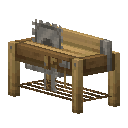
Carpenters Table converts supported blocks into decorative variants. In this installed port, the seven themed benches share the stonecutting conversion set; their appearance does not limit them to the original mod’s material families.
How to craft this workstation
1 recipe. Ingredient links show how to obtain the parts.
Space for the two-block-wide bench and a supported base block or variant. No fuel or extra hand tool is consumed.
How to use it
Place the bench with the adjoining space clear and open it.
Put a material in the input slot and choose a design from the available results.
Take the crafted result. One design preview is a selection button; it is not free inventory.
Java and Bedrock
Java
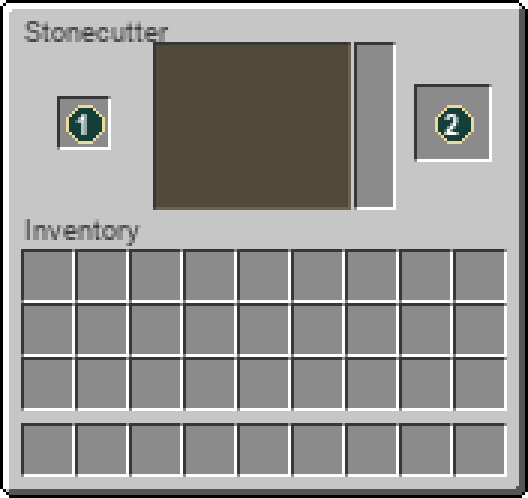
Java native screen. Empty interface illustration; numbered badges refer to the slot guide below.
The installed Java port uses a stonecutter-style menu: add material, select a design and collect the result.
Bedrock
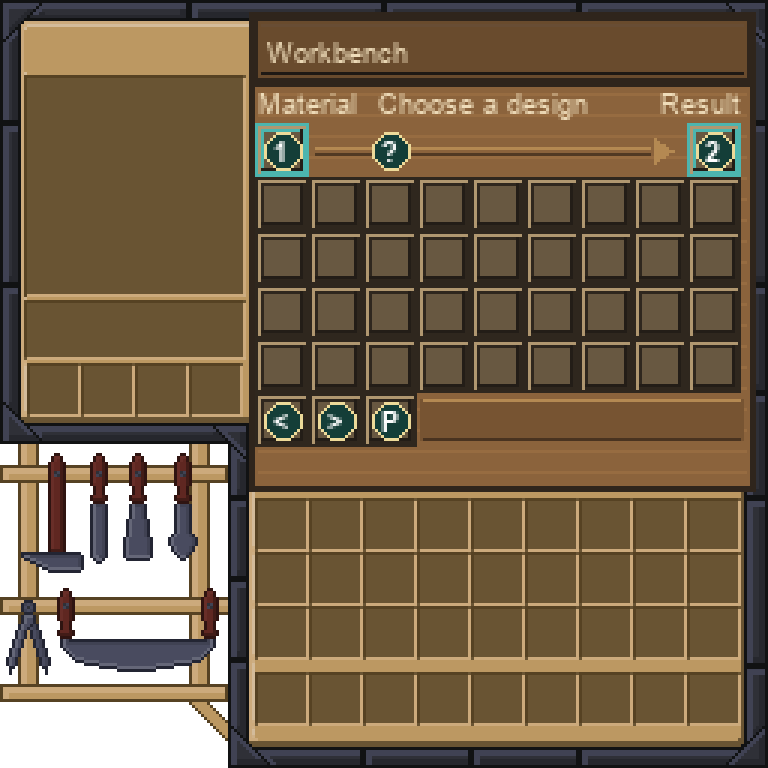
Bedrock with the server resource pack. Empty interface illustration; numbered badges refer to the slot guide below.
The Workbench menu has material input at the top-left, result at the top-right, and up to 36 design buttons below. Use Previous/Next to browse further designs. Help and page icons cannot be taken.
Slot guide
Material input
Crafted result
Not working? Check these first
If there are no designs, check the input against a conversion recipe.
Most variants are omitted from Bedrock’s Creative list. Crafting through the bench still provides the registered blocks.


 Iron Axe
 Iron Ingot
 Crafting Table
 Carpenters Table